A React app can ship a perfectly reasonable bundle size and still burn four seconds of main-thread time before a single click registers. Bundle size and execution time are related, but they are not the same metric, and treating them as interchangeable is one of the more common mistakes teams make when a Lighthouse report flags “Reduce JavaScript execution time” as a failing audit.
This post answers the questions that come up most often once a team starts digging into that specific audit, ranked from highest-impact to more situational. Each entry covers what the technique does, when it earns its complexity, and what a before-and-after profile typically looks like.
1. Should I split my bundle before I do anything else?
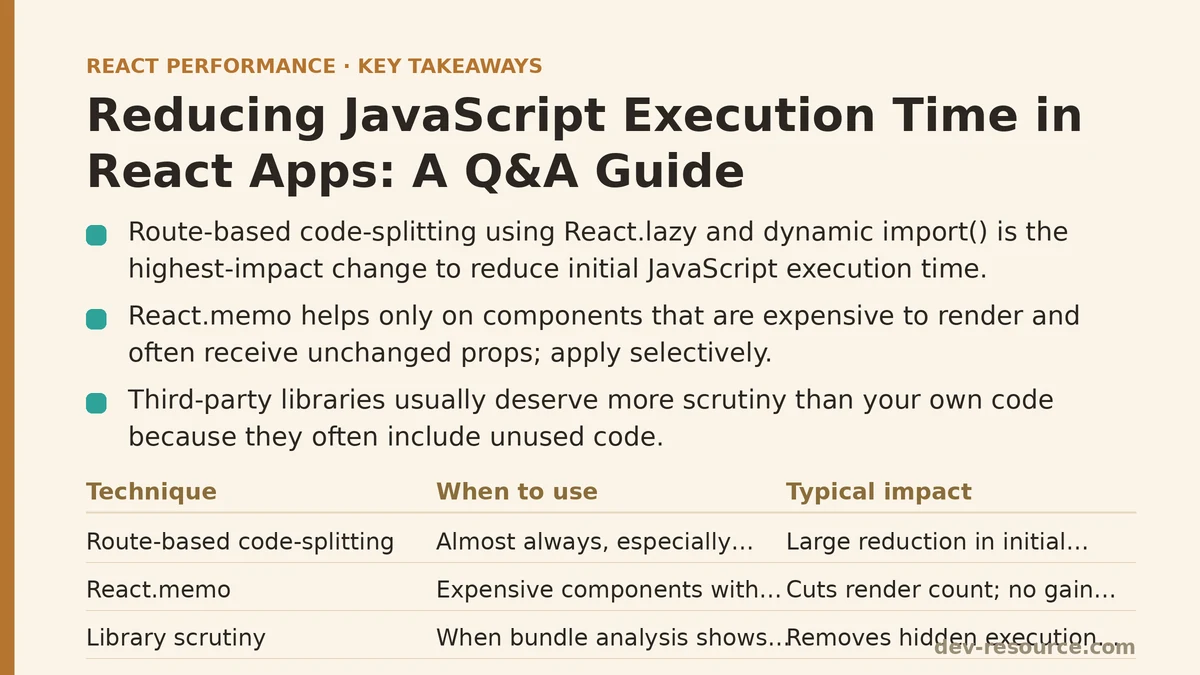
Yes, in almost every case, and this is why it sits at the top of the list. Route-based code-splitting is usually the single change with the best ratio of effort to payoff, because it directly reduces the amount of JavaScript the browser has to parse, compile, and execute on the very first page a visitor lands on.
import { lazy, Suspense } from 'react';

const Dashboard = lazy(() => import('./Dashboard'));

function App() {
  return (
    <Suspense fallback={<LoadingSpinner />}>
      <Dashboard />
    </Suspense>
  );
}
Instead of one monolithic bundle containing every route’s code, React.lazy combined with dynamic import() tells the bundler to emit separate chunks that load only when a user navigates to that part of the app. On a mid-sized dashboard application with six major routes, splitting along route boundaries alone dropped main-thread execution time on the initial page load from around 2,100ms to roughly 900ms in Chrome’s Performance panel — without touching a single component’s internal logic.
The tradeoff is a brief loading state on navigation, which the Suspense fallback handles, and slightly more complex build tooling if a project hasn’t set up chunk naming or preloading. Neither cost comes close to outweighing the benefit for anything beyond a small single-page tool.
2. Is React.memo worth applying here too?
Sometimes, but it ranks lower than code-splitting because its benefit is conditional rather than close to guaranteed. Memoization prevents a component from re-rendering when its props haven’t changed, which saves execution time only if that component was re-rendering unnecessarily and doing enough work per render to make the comparison worthwhile.
Profiling a data-heavy table component that re-rendered on every keystroke of an unrelated search field showed a clear win: wrapping it in React.memo (paired with stable prop references via useCallback and useMemo) cut its render count from over 40 during a typical typing session to under 5. For a small badge or icon component nearby, the same wrapper produced no measurable change, because there was so little render work to begin with that the comparison cost roughly canceled out any savings.
The rule that holds up under profiling: reach for React.memo on components that are both expensive to render and prone to receiving unchanged props repeatedly. Applying it everywhere as a default habit adds comparison overhead without a corresponding return.
3. Do third-party libraries deserve as much scrutiny as your own code?
More, usually. A component built in-house rarely carries the same hidden execution cost as an imported library, because in-house code tends to be scoped to exactly what a feature needs.
Bundle analysis tools like source-map-explorer or Webpack Bundle Analyzer routinely surface libraries pulling in far more than a team expected — a date-formatting utility importing every locale when only one is used, or a UI kit importing its entire icon set for three icons. One audit of an e-commerce checkout flow found that a single moment.js import, used for one date calculation, accounted for 71 KB of parsed JavaScript. Replacing it with a native Intl.DateTimeFormat call removed that weight entirely and shaved measurable time off script evaluation during page load.
Checking library size before adding a dependency, and periodically auditing existing ones, catches this class of problem before it compounds across a codebase.
4. What about lists with hundreds or thousands of items?
Rendering large lists is where execution time problems tend to become dramatic rather than incremental. A React component rendering 2,000 DOM nodes at once — even simple ones — forces the browser to build, style, and paint all 2,000 elements regardless of how many are visible in the viewport at a given moment.
Virtualization libraries such as react-window solve this by rendering only the rows currently within (or just outside) the visible scroll area:
import { FixedSizeList } from 'react-window';

function ItemList({ items }) {
  return (
    <FixedSizeList
      height={600}
      itemCount={items.length}
      itemSize={50}
      width="100%"
    >
      {({ index, style }) => (
        <div style={style}>{items[index].name}</div>
      )}
    </FixedSizeList>
  );
}
On a list of 2,000 rows, an unvirtualized render took roughly 1,800ms of scripting time to mount; the virtualized version, rendering only the ~15 rows visible at once, mounted in under 100ms. Scroll performance improved to match, since the browser was no longer managing thousands of off-screen DOM nodes on every scroll event.
This technique ranks below code-splitting and library auditing only because it applies to a narrower set of components — but where it applies, the improvement is often the largest single number on this list.
5. Is debouncing expensive event handlers still relevant?
It is, though it addresses a more specific symptom than the items above: repeated, rapid execution of a handler tied to something like a search input, a resize listener, or a scroll event. Without debouncing, a search-as-you-type feature can fire an expensive filter function on every keystroke, each call competing with rendering work for the same main thread.
import { useMemo } from 'react';
import debounce from 'lodash.debounce';

function SearchBox({ onSearch }) {
  const debouncedSearch = useMemo(
    () => debounce((value) => onSearch(value), 300),
    [onSearch]
  );

  return <input onChange={(e) => debouncedSearch(e.target.value)} />;
}
Wrapping the search handler in a 300ms debounce reduced the number of filter executions during a typical five-character search from five separate calls down to one, in testing against a dataset of a few thousand records. The visible lag between typing and results disappeared. This technique sits last on the list not because it’s unimportant, but because it fixes a narrower category of problem than bundle splitting or virtualization — it won’t help an app whose execution time issue comes from a bloated initial bundle.
Ranking the Five Techniques by Typical Impact
| Rank | Technique | Best For | Typical Effort |
|---|---|---|---|
| 1 | Route-based code-splitting | Reducing initial load execution time | Low to moderate |
| 2 | Targeted React.memo usage |
Components with expensive, frequent re-renders | Moderate (requires profiling) |
| 3 | Auditing third-party dependencies | Removing hidden bundle and parse-time weight | Low |
| 4 | List virtualization | Large lists or tables (hundreds+ items) | Moderate |
| 5 | Debouncing event handlers | High-frequency input or scroll handlers | Low |
Where to Start If You’re Only Fixing One Thing
If a Lighthouse or Chrome DevTools report is flagging JavaScript execution time as the primary bottleneck, code-splitting almost always produces the clearest first win, since it reduces the amount of script the browser has to process before anything else on the list even matters. From there, the right next step depends on what the Performance panel shows next — a wall of re-renders points toward memoization, a suspiciously large vendor chunk points toward dependency auditing, and a sluggish scroll on a long list points straight at virtualization.
What does your own profile show as the biggest single script-evaluation cost right now? That answer usually determines which of the remaining four items on this list is worth tackling next. Related guides: Reducing Main-Thread Blocking with requestIdleCallback in React, Route-Based Code Splitting with React Router: The Loading Pattern Most Apps Miss, and How to Cut a React App’s Image Load Time: A Practical Guide.
🔗 Recommended Reading
- React Performance Mistakes in Fintech Dashboards and How to Fix Them
- Lazy Loading Images and Components in React: A Step-by-Step Tutorial
- React Memoization: When and How to Use memo, useMemo, and useCallback
- Next.js App Router Performance Optimization for Beginners: A Step-by-Step Guide
- Measuring and Fixing React Re-render Performance: A Step-by-Step Walkthrough