A chatty app and a slow app are not the same problem, even though they produce the same complaint from users: “it feels laggy.” A chatty app re-renders far more components than it needs to, dozens of times per interaction, each render individually cheap. A slow app re-renders a reasonable number of times, but each render does too much work. Redux, Zustand, and Jotai can all produce either symptom, and the fix for one does almost nothing for the other. Most of the “library X is slow” complaints floating around actually trace back to a mismatch between how state was shaped and how components subscribed to it — not to anything inherent in the library itself.
This guide is organized around that distinction. Each entry below starts with a symptom you can observe in the Profiler or in the UI, walks through the most likely cause, and ends with a concrete fix. Work through it in order if you’re not sure where your problem sits.
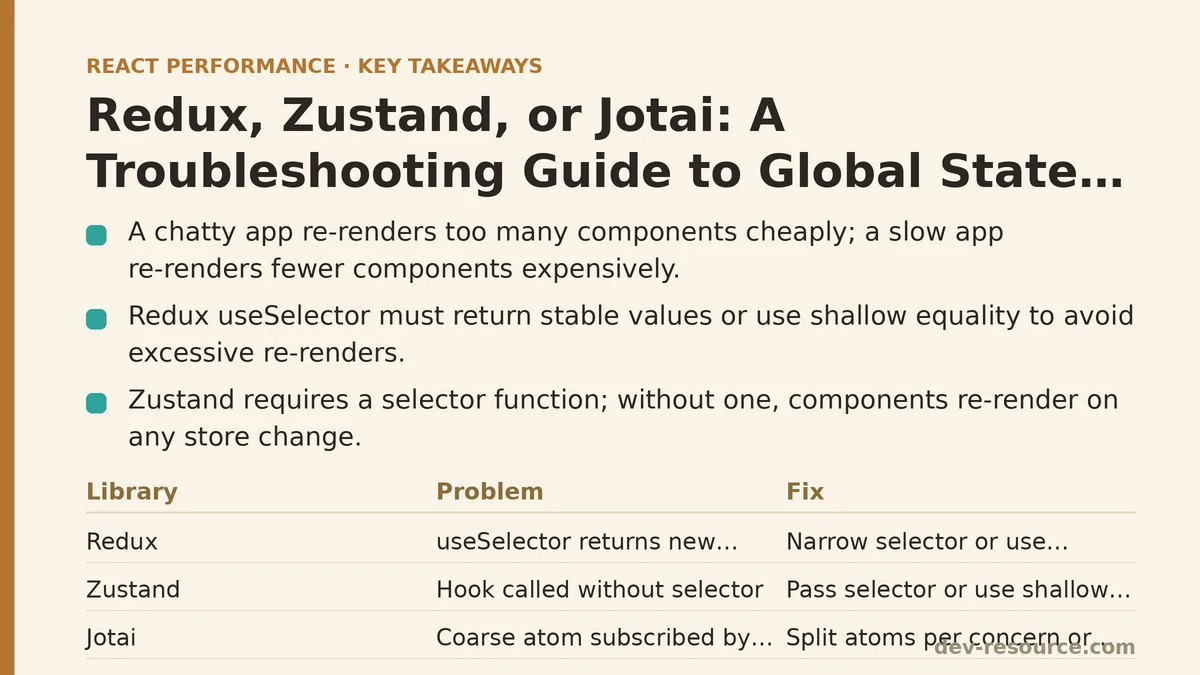
Symptom: Every Component Re-Renders When Any Slice of Redux State Changes
Likely cause: the component is subscribing to more of the store than it needs, usually because useSelector is returning an object built fresh on every call, or because it’s returning the entire state tree.
// Re-renders on any state change, not just the parts this component cares about
function UserPanel() {
  const state = useSelector(state => state);
  return <div>{state.user.name}</div>;
}
Redux’s useSelector compares the return value between renders using strict equality by default. Returning the whole state object — or a freshly constructed object literal — guarantees that comparison fails every time, because the reference changes even when nothing relevant did.
Fix: narrow the selector down to primitive or stable values, and reach for a shallow-equality check when the selector must return an object.
import { shallowEqual, useSelector } from 'react-redux';

function UserPanel() {
  const name = useSelector(state => state.user.name);
  return <div>{name}</div>;
}

// If you truly need multiple fields, use shallowEqual
function UserDetails() {
  const { name, email } = useSelector(
    state => ({ name: state.user.name, email: state.user.email }),
    shallowEqual
  );
  return <div>{name} — {email}</div>;
}
Verify this in React DevTools Profiler by watching the render count for UserPanel while triggering an unrelated action elsewhere in the store. A correctly scoped selector should show zero re-renders for that component.
Symptom: A Zustand Component Re-Renders Even Though It Only Reads One Field
Likely cause: the component is calling the store hook without a selector, pulling in the entire state object.
// Subscribes to the whole store — any field change triggers a re-render here
function Counter() {
  const store = useStore();
  return <span>{store.count}</span>;
}
Zustand’s default behavior, when no selector function is passed, is to return the full store and re-render on any change to it. This is easy to miss because the code above looks like it’s only using count — the subscription doesn’t know that, though.
Fix: pass a selector function so the subscription is scoped to the specific slice being read.
function Counter() {
  const count = useStore(state => state.count);
  return <span>{count}</span>;
}
If a component needs several fields at once, Zustand ships a shallow comparator for exactly this case, avoiding the trap of an inline object selector recreating a new reference on every call:
import { shallow } from 'zustand/shallow';

function UserSummary() {
  const { name, email } = useStore(
    state => ({ name: state.name, email: state.email }),
    shallow
  );
  return <div>{name} — {email}</div>;
}
Symptom: One Jotai Atom Update Triggers Renders in Unrelated Components
Likely cause: the atom is too coarse — it holds a large object where several unrelated components each read a different key, but they’re all subscribed to the same atom, so a change to any key re-renders all of them.
// One atom holding everything means every reader re-renders on every update
const appStateAtom = atom({ theme: 'light', user: null, cart: [] });
Jotai’s atomic model is built around fine-grained subscriptions, but that only pays off if the atoms themselves are split along the lines your components actually read.
Fix: decompose the single atom into separate atoms per concern, and derive combined values only where a component truly needs to read across them.
const themeAtom = atom('light');
const userAtom = atom(null);
const cartAtom = atom([]);
Components that only need themeAtom will no longer re-render when cartAtom changes. For lists of similar items — rows in a table, cards in a grid — atomFamily keeps each item’s atom independent, so updating one row doesn’t force a re-render of the rest:
import { atomFamily } from 'jotai/utils';

const rowAtomFamily = atomFamily(id => atom({ id, checked: false }));
Symptom: Selectors Look Correctly Scoped, But the App Still Feels Sluggish
Likely cause: this is the “slow app” pattern rather than the “chatty app” pattern. The selector is returning the right data, but computing that data is expensive and gets recomputed on every render rather than being cached.
// Recalculates a filtered, sorted list on every render, even if the source data hasn't changed
const visibleItems = useSelector(state =>
  state.items.filter(i => i.active).sort((a, b) => a.priority - b.priority)
);
Because this selector builds a new array every call, it fails the reference-equality check regardless — but even if it passed that check, the filter-and-sort work itself is the bottleneck, and it’s running far more often than the underlying data changes.
Fix: memoize the derived computation with createSelector from Reselect (or the equivalent memoized selector pattern in Zustand/Jotai), so the expensive work only runs when its actual inputs change.
import { createSelector } from '@reduxjs/toolkit';

const selectItems = state => state.items;

const selectVisibleItems = createSelector(selectItems, items =>
  items.filter(i => i.active).sort((a, b) => a.priority - b.priority)
);
The Zustand and Jotai equivalents follow the same principle: cache the derived value based on its inputs, rather than recomputing it inline inside the component or the selector function on every call. Jotai’s selectAtom from jotai/utils and Zustand middleware like zustand/middleware’s combine patterns both exist specifically to solve this.
Symptom: The App Freezes Briefly on Initial Load, Before Anything Is Interactive
Likely cause: a large persisted state blob — from redux-persist, Zustand’s persist middleware, or a manually implemented Jotai hydration atom — is being deserialized and applied synchronously on the main thread before the first paint.
Fix: split persisted state so that only what’s needed for the first meaningful render is rehydrated eagerly, and defer the rest. With redux-persist, this means using a whitelist or blacklist on the persist config rather than persisting the entire root reducer. With Zustand’s persist middleware, the partialize option does the same job — it lets you choose exactly which slice of the store gets written to and read from storage.
const useStore = create(
  persist(
    (set) => ({ theme: 'dark', cart: [], hugeSearchIndex: {} }),
    {
      name: 'app-storage',
      partialize: (state) => ({ theme: state.theme, cart: state.cart }),
    }
  )
);
Anything excluded from partialize reinitializes fresh on load instead of blocking on a deserialize step — worth doing for any state that isn’t needed before the first render, like a large cached search index or historical data.
Symptom: A Single User Action Triggers a Visible Cascade of Renders
Likely cause: multiple state updates are firing outside of a batched context — inside a setTimeout, a native event listener, or a promise callback — so each one triggers a separate render pass instead of being grouped into one.
// Each of these can trigger a separate render if not batched
fetch('/api/data').then(data => {
  setUser(data.user);
  setPermissions(data.permissions);
  setPreferences(data.preferences);
});
Fix: confirm which React version is in use. React 18’s automatic batching covers this case by default for updates inside promises, timeouts, and native event handlers, regardless of which state library issued the update. If the app is still on React 17 or earlier, or if a legacy ReactDOM.render root is being used instead of createRoot, batching won’t apply automatically, and wrapping the updates in unstable_batchedUpdates is the workaround. This isn’t a Redux, Zustand, or Jotai-specific fix — it’s a React rendering behavior that sits underneath all three.
A Quick Diagnostic Checklist
| Observation in Profiler | Points To |
|---|---|
| Many components re-render on unrelated state changes | Selector scoping problem (Redux/Zustand) or overly coarse atom (Jotai) |
| Few renders, but each one is slow | Unmemoized derived computation, not a subscription problem |
| Slow initial mount, fine afterward | Synchronous hydration of a large persisted store |
| One action causes a visible burst of renders | Unbatched state updates outside React 18’s automatic batching |
| Render count matches expectations, but data still stale-looking | Selector or atom returning cached value past its actual staleness window |
Most global state performance complaints resolve to one of these five rows before they resolve to “switch libraries.” If you’ve worked through this checklist and a specific component is still misbehaving, the next step is usually to isolate it in a minimal reproduction — strip out everything except the store, the one component, and the one action that triggers the slowdown — and check whether the symptom survives that isolation. If it does, you’ve found the actual bottleneck rather than a symptom of something upstream. Related guides: Performance Patterns for Real-Time Trading Dashboards in React, React Context Performance Problems and How to Fix Them, and Reducing Prop Drilling Performance Impact in React.
🔗 Recommended Reading
- React Render Props Performance: A Beginner Tutorial
- React Performance Mistakes in Fintech Dashboards and How to Fix Them
- Lazy Loading Images and Components in React: A Step-by-Step Tutorial
- React Memoization: When and How to Use memo, useMemo, and useCallback
- Next.js App Router Performance Optimization for Beginners: A Step-by-Step Guide