📖 5 min read
React Hooks have become a cornerstone of modern React development, offering a more concise and reusable way to manage state and side effects in functional components. However, the power of hooks comes with the responsibility of understanding their performance implications. Incorrect usage can lead to unnecessary re-renders, impacting the responsiveness and overall efficiency of your application. This comprehensive guide dives deep into advanced techniques for optimizing React Hooks, ensuring your components are not only functional but also performant. We will explore the nuances of memoization, the strategic use of `useCallback` and `useMemo`, and the creation of custom hooks designed for optimal performance, equipping you with the knowledge to build high-performance React applications.
1. Understanding React Hooks and Performance Bottlenecks
React Hooks, while simplifying state management and side effects, can inadvertently introduce performance bottlenecks if not used judiciously. The most common pitfall is unnecessary re-renders triggered by changes in props or state. Every time a component re-renders, React needs to reconcile the virtual DOM, which can be computationally expensive, especially for complex components or deeply nested component trees. If a component re-renders even when its output remains the same, it wastes valuable resources and slows down the application.
Consider a simple scenario where a functional component receives a prop that is an object. If this object is recreated on every render of the parent component, even with the same values, React will detect a change, causing the child component to re-render. This is because JavaScript compares objects by reference, not by value. Such unnecessary re-renders can accumulate and significantly degrade performance, particularly in applications with frequent updates or complex UIs. Identifying and addressing these re-render bottlenecks is crucial for building efficient React applications.
To mitigate these performance issues, developers need to employ strategies like memoization, reference equality checks, and optimized hook usage. Memoization, in particular, plays a vital role by caching the results of expensive calculations and preventing redundant computations. Furthermore, understanding the impact of inline functions within components and using `useCallback` and `useMemo` effectively can drastically reduce unnecessary re-renders. By adopting these techniques, you can ensure your React Hooks contribute to a performant and responsive user experience.
2. Advanced Techniques for Optimizing React Hooks
Several techniques can dramatically improve the performance of React components using hooks. Understanding when and how to apply these techniques is essential for building optimized applications. These methods focus on preventing unnecessary re-renders and optimizing expensive calculations within your components.
- Memoization with `React.memo`: This higher-order component memoizes a functional component, preventing re-renders if the props haven't changed. It performs a shallow comparison of the props. For more complex comparisons, you can provide a custom comparison function as the second argument to `React.memo`. This is particularly useful for components that receive complex objects or arrays as props. For example, if a component receives a large dataset, memoizing it with `React.memo` can prevent re-renders when the dataset remains unchanged.
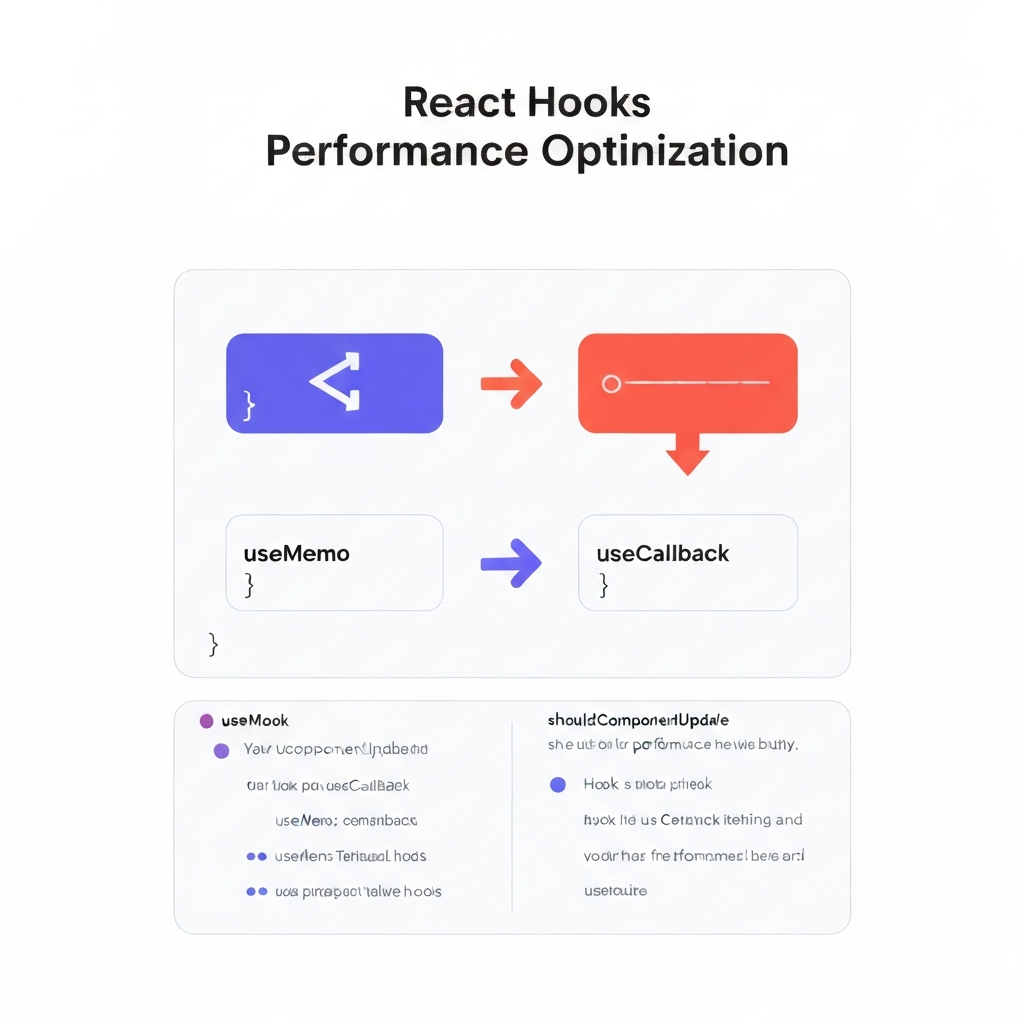
- `useCallback` for Stable Function References: The `useCallback` hook returns a memoized version of the callback function. This is crucial when passing callbacks as props to child components that are memoized using `React.memo`. Without `useCallback`, a new function instance would be created on every render, causing the child component to re-render even if its props logically remain the same. By using `useCallback`, you ensure that the function reference remains stable across renders, preventing unnecessary updates. For example, if you have a button that triggers a function in the parent component, wrapping the function with `useCallback` ensures that the button component only re-renders when the function actually changes.
- `useMemo` for Memoizing Expensive Calculations: The `useMemo` hook memoizes the result of an expensive calculation. It only recomputes the value when one of its dependencies changes. This is incredibly useful for optimizing calculations that are computationally intensive and whose inputs rarely change. For instance, consider a component that needs to filter a large array based on certain criteria. By using `useMemo`, you can cache the filtered array and only recompute it when the criteria change, preventing unnecessary filtering on every render. The hook takes two arguments: a function that performs the calculation and an array of dependencies.
3. Custom Hooks for Performance and Reusability
Creating custom hooks tailored to specific performance needs can significantly enhance your application's efficiency. These hooks encapsulate complex logic and ensure that optimizations are applied consistently across your codebase.
Custom hooks allow you to extract and reuse stateful logic and side effects across multiple components. Beyond reusability, they also provide an opportunity to encapsulate performance optimizations within a single, well-defined unit. This makes it easier to maintain and improve the performance of your application over time. By creating custom hooks, you can abstract away the complexities of memoization, debouncing, and other optimization techniques, making your code cleaner and more maintainable.
When designing custom hooks for performance, consider the specific needs of the components that will be using them. For example, if you have a component that frequently fetches data from an API, you could create a custom hook that handles the data fetching logic and memoizes the results using `useMemo`. This would prevent unnecessary API calls and re-renders when the data hasn't changed. Another common use case is debouncing or throttling user input to reduce the frequency of updates. A custom hook can encapsulate this logic, ensuring that updates are only triggered after a certain delay or at a certain rate.
Ultimately, custom hooks promote a modular and efficient approach to React development. By encapsulating performance optimizations within custom hooks, you can ensure that these optimizations are applied consistently across your application, leading to a more performant and maintainable codebase. Furthermore, custom hooks make it easier to test and debug performance-related issues, as the logic is isolated within a single unit.
Conclusion
Mastering React Hooks performance optimization is essential for building responsive and efficient web applications. Understanding the potential pitfalls of hooks, such as unnecessary re-renders, and applying advanced techniques like memoization, `useCallback`, and `useMemo` can drastically improve performance. Creating custom hooks further enhances reusability and allows for consistent application of optimization strategies throughout your codebase.
As React continues to evolve, staying informed about the latest performance best practices and exploring new optimization techniques will be crucial. Consider exploring techniques such as code splitting, lazy loading, and server-side rendering to further optimize the user experience. The key is to continuously monitor your application's performance, identify bottlenecks, and apply the appropriate optimization strategies to ensure a smooth and responsive user experience.
❓ Frequently Asked Questions (FAQ)
When should I use `useCallback`?
You should use `useCallback` when passing a function as a prop to a child component that is wrapped in `React.memo`. This prevents the child component from re-rendering unnecessarily when the function prop changes on every render of the parent component. Without `useCallback`, a new function instance is created on each render, causing `React.memo` to fail its prop comparison. By using `useCallback`, you ensure that the function reference remains stable across renders, optimizing performance.
What is the difference between `useMemo` and `useCallback`?
`useMemo` is used to memoize the result of a function call, whereas `useCallback` is used to memoize the function itself. `useMemo` returns the memoized value, recalculating only when its dependencies change. `useCallback` returns the memoized function instance, ensuring that the function reference remains stable across renders, especially when passed as props. Think of `useMemo` as caching the *result* and `useCallback` as caching the *function itself*.
How can I detect unnecessary re-renders in my React components?
You can detect unnecessary re-renders using the React Profiler tool in the React DevTools. This tool allows you to record and analyze component render times, highlighting components that are re-rendering frequently. By examining the render tree, you can identify the root causes of these re-renders, such as prop changes or state updates. Additionally, you can use the `why-did-you-render` library, which automatically logs the reasons for re-renders to the console, providing valuable insights into potential performance bottlenecks.
Tags: #ReactJS #ReactHooks #PerformanceOptimization #JavaScript #WebDevelopment #Frontend #ReactBestPractices