📖 5 min read
React Context is a cornerstone of modern React application architecture, offering a way to share state between components without explicitly passing props through every level of the component tree. While this solves the problem of "prop drilling," it can inadvertently introduce performance issues if not managed carefully. A naive implementation of Context can cause entire component subtrees to re-render even when only a small part of the Context value has changed. Therefore, mastering React Context for performance involves understanding its inner workings, recognizing potential pitfalls, and applying optimization techniques to ensure your application remains performant, especially as it scales. This article will delve into these aspects, providing practical examples and strategies to help you build efficient and maintainable React applications using Context.
1. Understanding React Context and Re-renders
At its core, React Context provides a way to make data available to a component and all its descendants without manually passing props down the tree. This is achieved through a `Provider` component that makes a value available, and `Consumer` components or the `useContext` hook that consume that value. When the value provided by the `Provider` changes, all components that consume that value will re-render, regardless of whether they actually use the changed part of the value. This behavior can become a performance bottleneck if the Context value is large or changes frequently, leading to unnecessary re-renders across your application.
Consider a scenario where you have a Context that stores user authentication information, application settings, and a list of products. If any of these values change, all components consuming the Context will re-render, even if they only rely on the user authentication information. This is inefficient because the components displaying the product list would re-render even when the product list hasn't changed. To address this issue, you need to implement strategies to prevent unnecessary re-renders, focusing on only re-rendering components that are actually affected by the changes in the Context value.
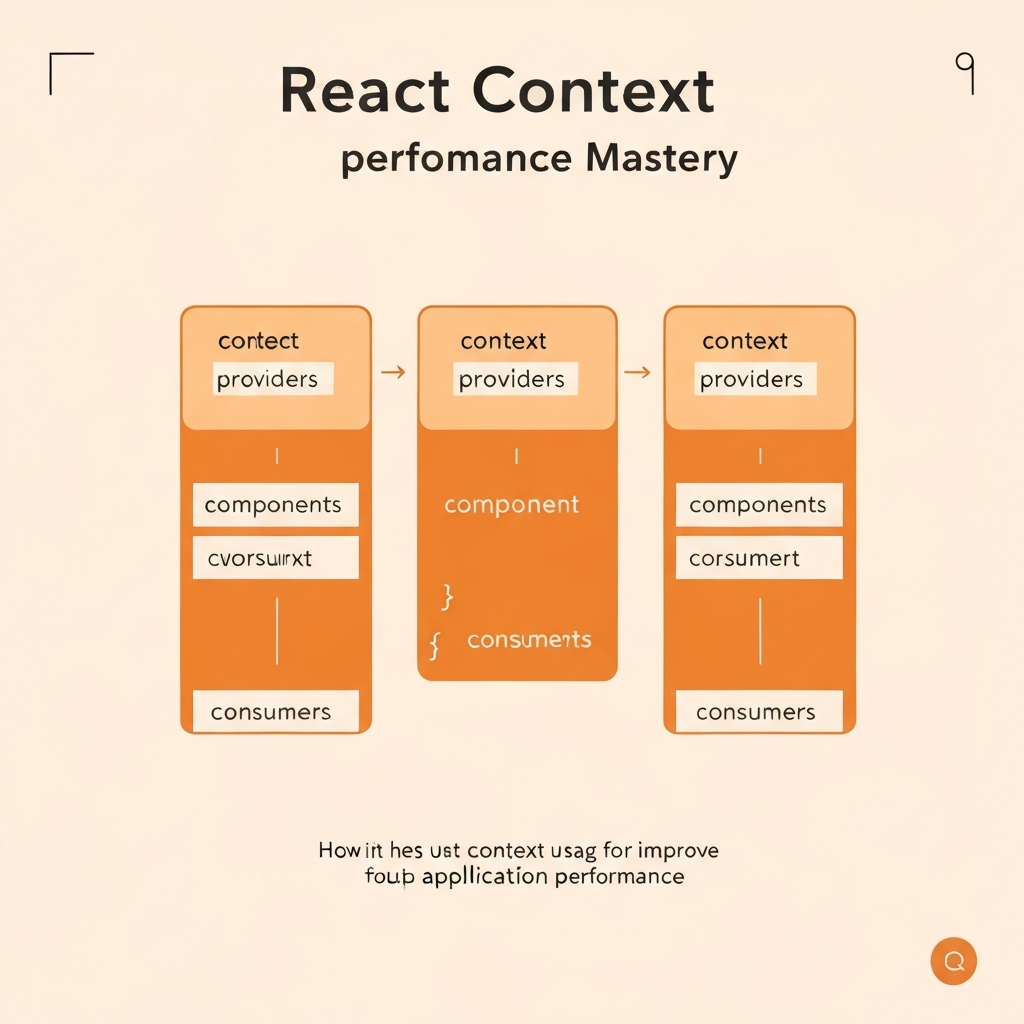
One effective strategy involves breaking down the Context into smaller, more focused Contexts. Instead of having a single large Context, you can create separate Contexts for user authentication, application settings, and product data. This way, changes to one Context will only affect components that consume that specific Context. Another technique is to use memoization techniques, such as `React.memo`, to prevent components from re-rendering if their props haven't changed. By combining these strategies, you can significantly reduce the number of unnecessary re-renders and improve the performance of your React applications.
2. Optimization Techniques for React Context
To optimize React Context for performance, several techniques can be employed. These techniques aim to reduce unnecessary re-renders and ensure that only components that need to update actually do so. Key techniques include splitting Contexts, using `useMemo` and `useCallback`, and employing selector patterns.
- Splitting Contexts: As mentioned earlier, breaking down a large Context into smaller, more specific Contexts is crucial. This prevents unrelated components from re-rendering when only a specific part of the Context changes. For example, a Context managing user authentication data should be separate from a Context managing product data. This way, changes to the user's login status won't cause the product list to re-render. By using more granular contexts you isolate changes and reduce re-renders to the bare minimum required to update the UI.
- `useMemo` and `useCallback`: These hooks are essential for optimizing React components that rely on Context values. `useMemo` memoizes the result of a computation, only recomputing it when its dependencies change. This is useful for preventing the Context value itself from changing unnecessarily, even if the underlying data hasn't changed. `useCallback` memoizes a function, ensuring that it only changes when its dependencies change. This is crucial for preventing components from re-rendering simply because a function prop has changed. Consider you're passing a function down a context. Without `useCallback`, a new function instance is created on every render, invalidating the `React.memo` of consuming components.
- Selector Patterns: Selector patterns involve creating functions that extract specific parts of the Context value. Components then consume only these specific values, rather than the entire Context. This can be achieved using custom hooks that call `useContext` and then select the desired value. For instance, if a component only needs the user's name from the authentication Context, it should use a selector that extracts only the user's name. This prevents the component from re-rendering when other parts of the authentication Context change, such as the user's email or profile picture. This is extremely important for component that may only rely on a small part of the provided context.
3. Advanced Context Optimization Strategies
Leverage libraries like `unstated-next` or `constate` for simplified state management with React Context. These libraries provide utilities for creating and managing Contexts more efficiently, often with built-in optimizations.
Libraries such as `unstated-next` and `constate` build upon the React Context API to provide a more streamlined and optimized state management solution. These libraries often handle many of the complexities of Context management, such as creating and managing Context providers and consumers, and ensuring that components only re-render when necessary. By using these libraries, you can reduce the amount of boilerplate code you need to write and improve the overall performance of your React applications.
For instance, `unstated-next` allows you to create state containers that can be easily accessed by any component in your application. The library automatically handles the creation of Context providers and consumers, and ensures that components only re-render when the state they depend on changes. This can significantly simplify the process of managing state in complex React applications and reduce the risk of introducing performance bottlenecks. Consider also that many of these libraries are implemented using optimized techniques, which results in more efficient data retrieval and updates.
Furthermore, these libraries often come with additional features, such as built-in support for asynchronous actions and middleware, which can further simplify the process of building complex React applications. While they might add an extra dependency to your project, the benefits in terms of code maintainability, performance optimization, and reduced boilerplate often outweigh the cost. Always evaluate the specific needs of your project before choosing a state management library, and consider whether the library's features and optimizations align with your project's requirements.
Conclusion
Mastering React Context for performance is crucial for building scalable and maintainable React applications. By understanding the potential pitfalls of Context and implementing optimization techniques, you can ensure that your application remains performant even as it grows in complexity. Splitting Contexts, using `useMemo` and `useCallback`, and employing selector patterns are essential strategies for reducing unnecessary re-renders and improving the overall efficiency of your React components.
Furthermore, exploring libraries like `unstated-next` or `constate` can provide additional benefits, such as simplified state management and built-in optimizations. As React continues to evolve, new techniques and libraries will emerge to further enhance the performance of Context-based applications. Staying informed about these developments and continuously refining your Context management strategies will be key to building high-performance React applications in the future.
❓ Frequently Asked Questions (FAQ)
Why is React Context sometimes slow?
React Context can become slow when the Context value changes frequently, causing unnecessary re-renders of components that consume the Context. This is particularly true if the Context value is large or complex. If components that are not directly affected by the change also re-render, the performance can be negatively impacted. This is often the result of a single context providing too many separate values, leading to all consuming components to re-render when only one value changes.
How can I prevent re-renders in React Context?
To prevent re-renders in React Context, you can use several techniques. Splitting the Context into smaller, more focused Contexts ensures that only components that depend on the changed value re-render. Using `useMemo` and `useCallback` to memoize values and functions passed through the Context prevents unnecessary updates. Implementing selector patterns allows components to consume only the specific parts of the Context value they need, further reducing re-renders. Combining these approaches provides a robust strategy for optimizing Context performance and minimizing re-renders in your React applications.
When should I NOT use React Context?
While React Context is a powerful tool, it's not always the right solution. For local state that is only used within a single component or a small group of closely related components, using `useState` or `useReducer` is often more appropriate. Context is best suited for global state or data that needs to be accessed by many components throughout the application. If you find yourself passing data down through multiple levels of the component tree just to reach one component, then Context is likely a good fit. However, if the data is only needed in a small area of your application, simpler state management solutions are usually better.
Tags: #ReactContext #ReactPerformance #JavaScript #WebOptimization #FrontendDevelopment #ReactHooks #StateManagement