📖 5 min read
In the world of backend development, securing your APIs is paramount, especially when building RESTful services using Django REST Framework (DRF). Authentication mechanisms are the gatekeepers, ensuring that only authorized users and applications can access your valuable data and resources. DRF provides a powerful and extensible authentication system that allows you to choose from a variety of built-in schemes, implement custom authentication, and tailor the security of your API to your specific needs. Understanding these authentication options and how to apply them effectively is crucial for building secure and reliable applications. This comprehensive guide explores the depths of DRF authentication, equipping you with the knowledge to protect your APIs from unauthorized access and potential vulnerabilities. Let's dive into the core concepts and practical implementations of DRF authentication.
1. Understanding DRF Authentication Classes
DRF's authentication system revolves around the concept of authentication classes. These classes are responsible for authenticating incoming requests and associating them with a user. Each authentication class attempts to authenticate the request, and if successful, it returns a tuple containing the user and authentication details. If authentication fails, it can either return `None` or raise an `AuthenticationFailed` exception.
DRF provides several built-in authentication classes, including `BasicAuthentication`, `TokenAuthentication`, `SessionAuthentication`, and `JWTAuthentication` (via third-party packages). `BasicAuthentication` uses HTTP Basic authentication, suitable for development or internal APIs. `TokenAuthentication` is based on simple tokens stored in the database, providing a more secure option. `SessionAuthentication` leverages Django's session management, ideal for browser-based APIs. JWT (JSON Web Token) Authentication, often provided by libraries like `djangorestframework-simplejwt`, offers a stateless and scalable solution for securing APIs with tokens containing encoded user information. The choice of authentication class depends on the security requirements and architectural constraints of your application.
The `DEFAULT_AUTHENTICATION_CLASSES` setting in your `settings.py` file controls the global authentication scheme for your DRF API. You can also override this setting on a per-view or per-viewset basis using the `authentication_classes` attribute. For example, you might use `TokenAuthentication` globally but disable authentication for a specific view that serves public data. This flexibility allows you to fine-tune the security of your API endpoints according to their specific needs and access requirements.
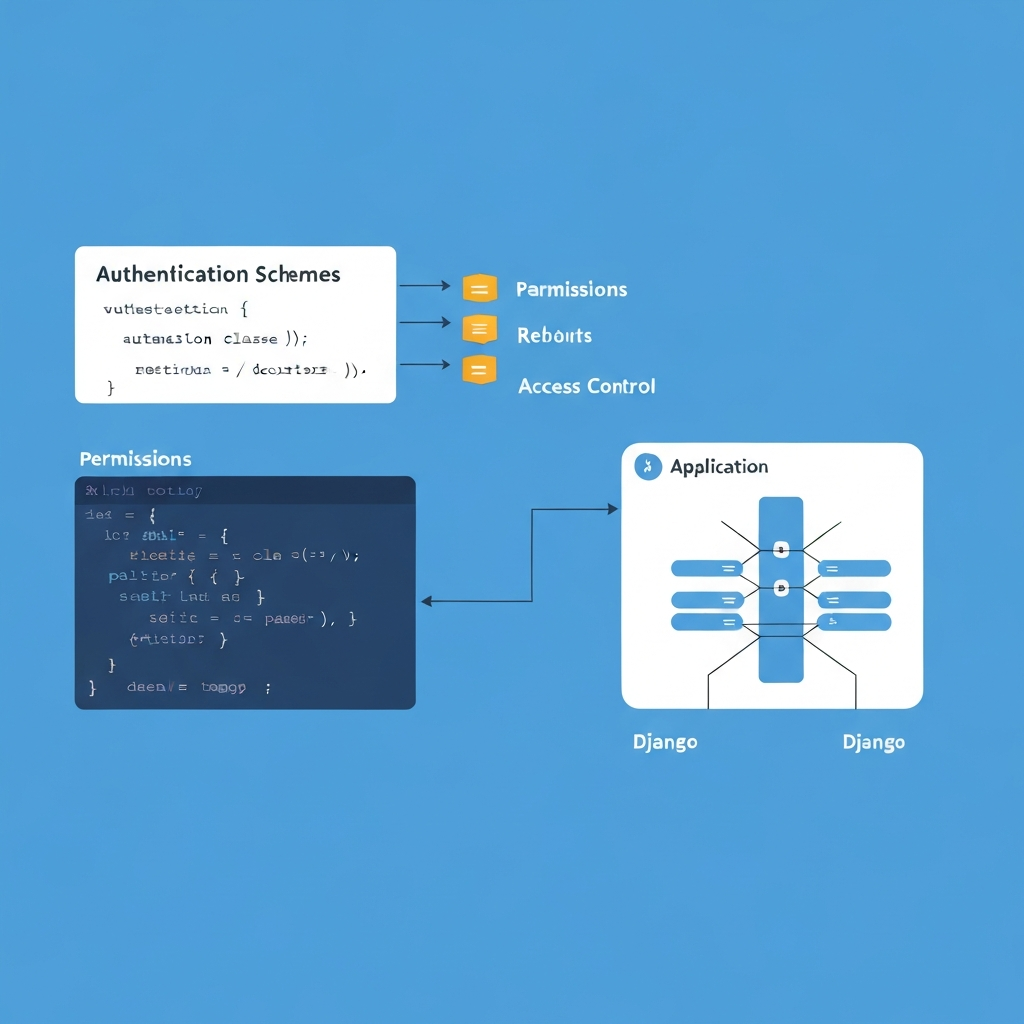
2. Implementing Custom Authentication Schemes
While DRF's built-in authentication classes cover many common use cases, you might encounter scenarios where you need a custom authentication scheme. This could involve integrating with a third-party authentication provider, implementing a unique token-based system, or adapting an existing authentication mechanism to your specific application requirements. Creating a custom authentication class in DRF is straightforward and allows you to tailor the authentication process to your exact needs.
- Creating a Custom Authentication Class: To create a custom authentication class, you need to inherit from `rest_framework.authentication.BaseAuthentication` and implement the `authenticate(self, request)` method. This method should attempt to authenticate the request and return a `(user, auth)` tuple if successful, or `None` if authentication fails. You can access request headers, query parameters, or cookies within this method to extract authentication credentials.
- Handling Authentication Failures: When authentication fails, you have two options: return `None` or raise an `AuthenticationFailed` exception. Returning `None` will cause DRF to try the next authentication class in the list. Raising `AuthenticationFailed` will immediately return an error response to the client. The `AuthenticationFailed` exception can include a custom error message, providing valuable feedback to the client about the reason for the authentication failure.
- Example: API Key Authentication: Imagine you want to implement API key authentication. You could create a custom authentication class that extracts the API key from the request headers and validates it against a database of valid API keys. If the API key is valid, you would retrieve the associated user and return a `(user, None)` tuple. If the API key is invalid, you would raise an `AuthenticationFailed` exception with an appropriate error message, such as "Invalid API key". This approach provides a secure and customizable way to authenticate API requests using API keys.
3. Securing API Endpoints with Permissions
Always combine authentication with permissions to ensure that authenticated users only have access to the resources they are authorized to access.
Authentication verifies the identity of the user, while permissions control what the authenticated user is allowed to do. DRF provides a robust permission system that allows you to define fine-grained access control rules for your API endpoints. Permissions are evaluated after authentication, ensuring that only authenticated users are subject to permission checks. DRF offers several built-in permission classes, including `AllowAny`, `IsAuthenticated`, `IsAdminUser`, and `IsAuthenticatedOrReadOnly`.
You can also create custom permission classes by inheriting from `rest_framework.permissions.BasePermission` and implementing the `has_permission(self, request, view)` and `has_object_permission(self, request, view, obj)` methods. The `has_permission` method determines whether the user has permission to access the view, while the `has_object_permission` method determines whether the user has permission to access a specific object. By combining these methods, you can implement complex access control rules based on user roles, object ownership, or other criteria. For example, you could create a permission class that only allows the owner of an object to update or delete it.
Applying permissions in conjunction with authentication provides a layered security approach, protecting your API from unauthorized access and data breaches. By carefully defining authentication and permission rules, you can ensure that only authorized users can access specific resources and perform specific actions. This granular control over access rights is essential for building secure and reliable APIs that protect sensitive data and maintain data integrity.
Conclusion
Mastering Django REST Framework authentication is crucial for building secure and robust APIs. Understanding the different authentication schemes, implementing custom authentication, and combining authentication with permissions are essential skills for any backend engineer. By leveraging DRF's flexible authentication system, you can protect your APIs from unauthorized access and ensure the integrity and confidentiality of your data. Implementing a solid authentication strategy is not just a best practice; it's a necessity for any serious API development project.
As the threat landscape evolves, so too must your authentication strategies. Keeping abreast of the latest security best practices, exploring multi-factor authentication options, and regularly reviewing your authentication mechanisms are vital for maintaining a secure and trustworthy API. The future of API security lies in continuous vigilance and adaptation, ensuring that your APIs remain resilient against emerging threats and vulnerabilities.
❓ Frequently Asked Questions (FAQ)
What is the difference between authentication and authorization?
Authentication verifies the identity of a user, confirming that they are who they claim to be. It's like presenting your ID card to gain entry to a building. Authorization, on the other hand, determines what an authenticated user is allowed to do within the system. It's like having different levels of access within the building based on your role or permissions. For example, an authenticated user might be authorized to read data but not to modify it, while an administrator might be authorized to perform all actions.
When should I use JWT (JSON Web Tokens) for authentication?
JWT is a great choice when building stateless APIs or microservices architectures. Unlike session-based authentication, JWTs don't require the server to maintain session data. This makes them highly scalable and suitable for distributed systems. JWTs are also useful when you need to share authentication information across multiple services or applications. Because the token contains all necessary user information in an encoded format, the receiving service can verify the token's authenticity without querying a central authentication server for every request, reducing latency and improving performance.
How can I implement rate limiting in DRF to prevent abuse?
Rate limiting is essential for protecting your API from abuse, such as denial-of-service attacks or brute-force attempts. DRF provides rate limiting capabilities through the `rest_framework.throttling` module. You can define throttling classes that specify the rate at which users or IP addresses can make requests. These throttling classes can be applied globally or on a per-view basis. For example, you could limit unauthenticated users to 60 requests per hour and authenticated users to 1000 requests per hour. Additionally, consider implementing more sophisticated rate-limiting strategies, such as token bucket algorithms or adaptive rate limiting based on server load.
Tags: #DjangoRESTFramework #APIAuthentication #BackendSecurity #PythonDjango #RESTfulAPI #DRFSecurity #APIsecurity
🔗 Recommended Reading
- Building Resilient Event Driven Backend Systems Architecting for Scalability and High Availability
- Optimizing React Renders with Memoization Hooks A Deep Dive for Senior Frontend Developers
- Multi Tenant Database Design for Scalable Applications A Deep Dive into Python Django FastAPI Node.js Backends
- Managing Database Concurrency for Scalable Backends A Deep Dive into Python, Node.js, and RESTful APIs
- Achieving Smooth React UI with Advanced Hooks A Deep Dive into Optimization