📖 5 min read
React, with its component-based architecture, has revolutionized front-end development, enabling developers to build complex and interactive UIs with relative ease. However, as applications grow in complexity, performance bottlenecks can emerge, leading to sluggish user experiences. One powerful technique for optimizing React components is memoization, a strategy that involves caching the results of expensive function calls and reusing them when the same inputs occur again. By strategically implementing memoization, you can prevent unnecessary re-renders, reduce CPU usage, and deliver a noticeably smoother and more responsive application. This guide delves into the world of React memoization, exploring its core concepts, practical implementations, and best practices for achieving optimal performance. We'll explore `React.memo`, `useMemo`, and `useCallback`, providing clear examples and guidance on how to leverage these tools effectively. Get ready to supercharge your React applications!
1. Understanding React Component Re-renders
React components re-render whenever their props or state change, or when their parent component re-renders. This is a fundamental aspect of React's reconciliation process, ensuring that the UI accurately reflects the current data. However, frequent re-renders can become a performance issue, especially for complex components that perform computationally intensive operations or render large lists of data. Unnecessary re-renders waste valuable resources and can lead to a laggy or unresponsive user interface, detracting from the overall user experience.
Consider a scenario where a component receives a prop that is an object. Even if the object's properties remain the same, a new object instance is created on each parent render. This will cause the component to re-render, because React does a shallow comparison of the props. Shallow comparison checks if the reference of the object is the same, not if the contents of the object are equal. This seemingly small detail can have significant performance implications, especially if the component is computationally expensive or renders frequently.
To mitigate the performance impact of unnecessary re-renders, it's crucial to understand which components are re-rendering and why. React DevTools provides powerful profiling tools that allow you to identify components that are frequently re-rendering and the reasons for these re-renders. Armed with this information, you can then strategically apply memoization techniques to prevent unnecessary updates and optimize your application's performance. The goal is not to prevent all re-renders, but to prevent re-renders that don't result in any visual changes.
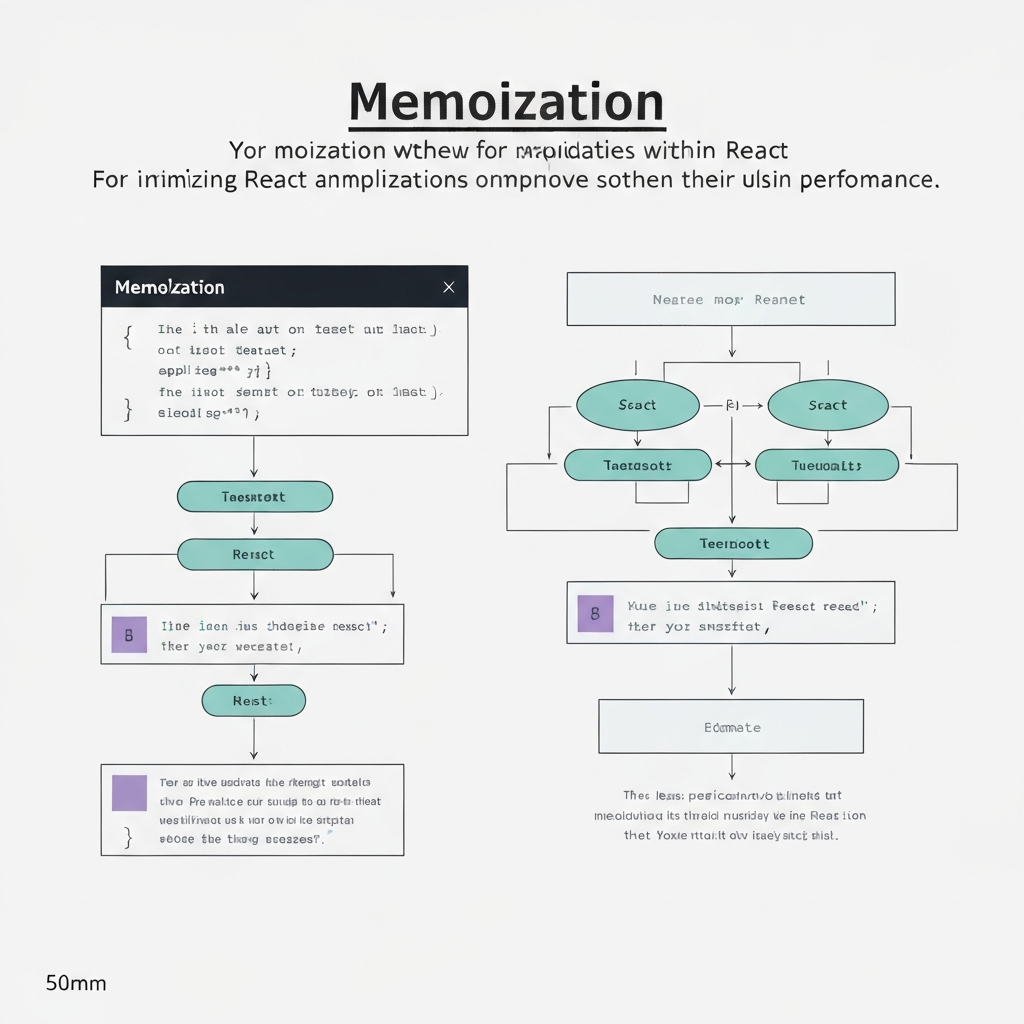
2. Memoization Techniques in React
React offers several built-in tools for implementing memoization, each with its own strengths and use cases. These include `React.memo`, `useMemo`, and `useCallback`. Understanding how to use these tools effectively is essential for optimizing your React components and improving your application's performance. Let's explore each of these techniques in detail, with examples that illustrate their practical application.
- React.memo: `React.memo` is a higher-order component that memoizes a functional component. It prevents re-renders if the component's props haven't changed (using a shallow comparison). For example, if you have a component that displays user information, you can wrap it with `React.memo` to prevent it from re-rendering unless the user's information has actually changed. `React.memo` takes a component as an argument and returns a memoized version of that component. This helps in avoiding unnecessary re-renders which in turn improves performance significantly.
- useMemo: `useMemo` is a React hook that memoizes the result of a function. It takes a function and an array of dependencies as arguments. The function is only re-executed when one of the dependencies changes. This is particularly useful for expensive calculations or data transformations that don't need to be re-run on every render. Imagine you have a component that needs to filter a large array of data. You can use `useMemo` to memoize the filtered array, ensuring that the filtering operation is only performed when the input data changes. This hook is an excellent approach to optimize your function calls.
- useCallback: `useCallback` is another React hook that memoizes a function itself. It also takes a function and an array of dependencies as arguments. The function is only re-created when one of the dependencies changes. This is crucial for preventing unnecessary re-renders of child components that receive the function as a prop. If you pass a function directly as a prop without `useCallback`, a new function instance will be created on every render, causing the child component to re-render even if the function's logic remains the same. By using `useCallback`, you ensure that the same function instance is passed as a prop unless the dependencies change.
3. Practical Examples and Optimization Strategies
Don't blindly memoize every component! Profile your application first to identify the components that are actually causing performance bottlenecks.
Memoization, while powerful, isn't a silver bullet. Applying it indiscriminately can actually degrade performance by adding overhead to the rendering process. It's essential to profile your application and identify the components that are truly causing performance bottlenecks before implementing memoization. React DevTools provides invaluable tools for identifying these bottlenecks and understanding the reasons behind excessive re-renders. A targeted and strategic approach to memoization is always best.
Let's consider a practical example. Suppose you have a component that renders a list of items, where each item is displayed using a separate `ListItem` component. If the list is large and the `ListItem` component is computationally expensive, re-rendering the entire list on every update can significantly impact performance. In this case, you could wrap the `ListItem` component with `React.memo` to prevent unnecessary re-renders. Furthermore, if the `ListItem` component receives any functions as props, you should use `useCallback` to memoize those functions and prevent them from being re-created on every render. This optimization strategy can dramatically improve the rendering performance of large lists.
Another important consideration is the dependency array used with `useMemo` and `useCallback`. It's crucial to ensure that the dependency array accurately reflects all the values that the memoized function or value depends on. If you omit a dependency, the memoized value may become stale, leading to unexpected behavior and potentially introducing bugs. Similarly, including unnecessary dependencies can cause the function or value to be re-computed more often than necessary, negating the benefits of memoization. Carefully consider the dependencies and ensure that they are both complete and minimal.
Conclusion
Memoization is a powerful technique for optimizing React components and improving the overall performance of your applications. By strategically applying `React.memo`, `useMemo`, and `useCallback`, you can prevent unnecessary re-renders, reduce CPU usage, and deliver a smoother and more responsive user experience. However, it's important to remember that memoization is not a one-size-fits-all solution. It's essential to profile your application, identify performance bottlenecks, and carefully consider the dependencies of your memoized components and values.
As React continues to evolve, new optimization techniques and tools will undoubtedly emerge. Staying up-to-date with the latest best practices and advancements in the React ecosystem is crucial for building high-performance and maintainable applications. Embrace memoization as a valuable tool in your optimization arsenal, but always use it judiciously and with a deep understanding of its implications.
❓ Frequently Asked Questions (FAQ)
When should I use React.memo?
Use `React.memo` when you have a functional component that receives props and you want to prevent it from re-rendering if the props haven't changed. This is particularly useful for components that are computationally expensive to render or that are rendered frequently. However, be mindful of the shallow comparison performed by `React.memo`; if your props contain complex objects, you may need to provide a custom comparison function to ensure accurate memoization. Also, consider the overhead of the memoization itself; for very simple components, the cost of memoization may outweigh the benefits.
What's the difference between useMemo and useCallback?
`useMemo` memoizes the *result* of a function, while `useCallback` memoizes the *function itself*. Use `useMemo` when you have an expensive calculation or data transformation that you want to avoid re-running on every render. Use `useCallback` when you need to pass a function as a prop to a child component and you want to prevent the child component from re-rendering unnecessarily. By memoizing the function with `useCallback`, you ensure that the same function instance is passed to the child component unless the dependencies change, preventing unnecessary re-renders.
How do I profile my React application to identify performance bottlenecks?
The React DevTools browser extension provides powerful profiling tools that allow you to identify performance bottlenecks in your React application. The profiler records detailed information about each component's rendering process, including the time spent rendering, the reasons for re-renders, and the props and state that were involved. By analyzing this information, you can identify components that are frequently re-rendering or that are taking a long time to render. This will help you target your optimization efforts effectively. You can then utilize different optimization techniques, such as memoization, to enhance the performance of specific components.
Tags: #ReactJS #Memoization #Optimization #Performance #JavaScript #Frontend #WebDev