📖 5 min read
React, a dominant force in modern web development, empowers developers to build dynamic and interactive user interfaces. Its component-based architecture and virtual DOM offer numerous advantages, including enhanced code reusability and efficient updates. However, even with these built-in optimizations, React applications can suffer from performance issues if best practices are not diligently followed. This comprehensive guide delves into proven strategies for optimizing React performance, covering key areas such as rendering, state management, and code splitting. By implementing these techniques, developers can ensure their React applications deliver a seamless and responsive user experience, regardless of complexity or scale. Ultimately, understanding and applying these optimization strategies is crucial for building high-performance React applications that meet the demands of modern web users.
1. Understanding the React Rendering Cycle
At its core, React performance is heavily influenced by how efficiently components render and re-render. React utilizes a virtual DOM, which is a lightweight representation of the actual DOM. When a component's state or props change, React creates a new virtual DOM and compares it to the previous one. This process, known as reconciliation, identifies the minimal set of changes required to update the actual DOM, optimizing rendering operations.
However, unnecessary re-renders can lead to performance bottlenecks. For instance, if a parent component re-renders, all its child components will also re-render by default, even if their props haven't changed. This cascading effect can quickly degrade performance, especially in complex component trees. To mitigate this, React provides several mechanisms for controlling and optimizing component updates.
One crucial optimization technique is using `React.memo`, a higher-order component that memoizes a component. This means that the component will only re-render if its props have changed. Another approach is to implement `shouldComponentUpdate` lifecycle method (for class components) or `useMemo` and `useCallback` hooks (for functional components), which allow you to define custom logic for determining when a component should re-render. By strategically employing these techniques, developers can prevent unnecessary re-renders and significantly improve application performance.
2. Key Optimization Techniques
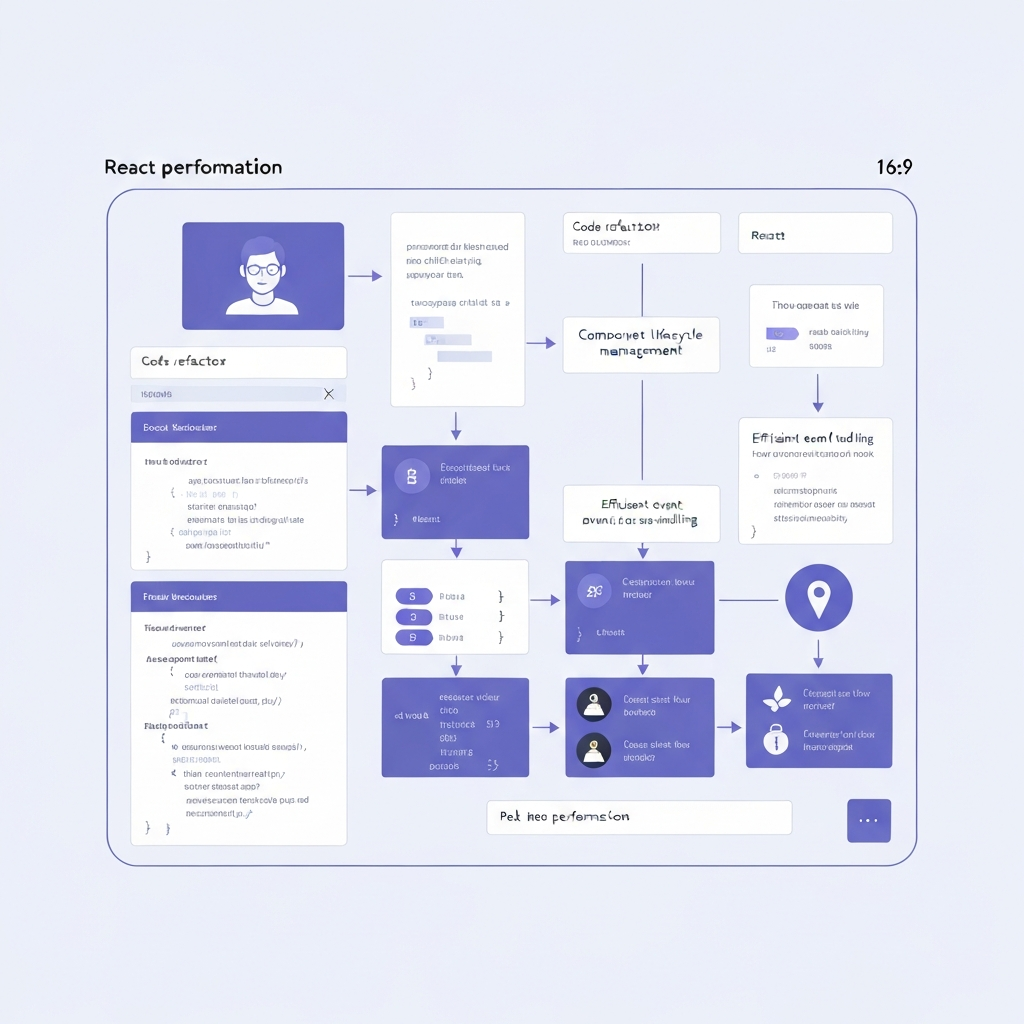
Several techniques can be employed to optimize React application performance. These range from preventing unnecessary re-renders to optimizing state management and loading resources efficiently. Understanding and implementing these strategies is crucial for building performant React applications.
- Memoization with `React.memo`, `useMemo`, and `useCallback`: Memoization is a powerful technique for preventing unnecessary re-renders. `React.memo` is a higher-order component that memoizes a functional component, preventing re-renders if the props haven't changed. `useMemo` is a hook that memoizes the result of a computation, only recomputing it when its dependencies change. Similarly, `useCallback` memoizes a function, preventing it from being re-created on every render, which is particularly useful when passing callbacks to child components.
- Code Splitting with Dynamic Imports: Code splitting involves dividing your application into smaller chunks that can be loaded on demand. This reduces the initial load time of your application, as users only download the code they need for the current view. React supports code splitting using dynamic imports (`import()`), which allow you to load components or modules asynchronously. Libraries like `React.lazy` and `Suspense` simplify the process of lazy-loading components and displaying fallback UI while the code is being loaded.
- Virtualization for Large Lists: When rendering large lists of data, rendering all the items at once can be extremely slow. Virtualization techniques, such as `react-window` and `react-virtualized`, only render the items that are currently visible in the viewport. As the user scrolls, the visible items are updated dynamically, significantly improving performance for large datasets. These libraries efficiently manage the rendering of list items, preventing the browser from being overwhelmed with excessive DOM elements.
3. State Management Strategies
Leverage immutable data structures to simplify state updates and improve performance. Immutable data ensures that changes to state create new objects instead of modifying existing ones, making it easier to detect changes and optimize re-renders.
State management plays a critical role in React application performance. Poorly managed state can lead to unnecessary re-renders and performance bottlenecks, especially in complex applications with shared state. Several state management solutions are available, each with its own strengths and weaknesses. Choosing the right solution for your application is crucial for optimal performance.
For simple applications, React's built-in `useState` hook and Context API may suffice. However, for more complex applications, consider using a dedicated state management library like Redux, Zustand, or MobX. Redux provides a centralized store for managing application state, making it easier to reason about and debug. Zustand offers a simpler and more lightweight approach to state management, while MobX uses observables and reactions to automatically update components when state changes.
Regardless of the state management solution you choose, it's important to follow best practices for managing state efficiently. Avoid storing large amounts of data in the global state, as this can lead to unnecessary re-renders when any part of the state changes. Instead, consider using local component state for data that is only relevant to a specific component. Additionally, leverage memoization techniques to prevent components from re-rendering when their state hasn't changed.
🔗 Recommended Reading
- Multi Tenant Database Design for Scalable Applications A Deep Dive into Python Django FastAPI Node.js Backends
- Managing Database Concurrency for Scalable Backends A Deep Dive into Python, Node.js, and RESTful APIs
- Achieving Smooth React UI with Advanced Hooks A Deep Dive into Optimization
- Implementing Caching Strategies for API Performance A Deep Dive for Backend Engineers
- Mastering Distributed Transactions for Microservices