📖 5 min read
React Context provides a way to share state between components without having to explicitly pass props through every level of the component tree. While this simplifies state management for many applications, it can also introduce performance challenges if not implemented carefully. Every time the context value changes, all components that consume that context will re-render, even if they don't actually use the changed value. This can result in unnecessary re-renders and a sluggish user experience, especially in larger applications with complex component hierarchies. Understanding how to optimize React Context is crucial for building performant and scalable React applications, particularly when dealing with frequently updated state or large numbers of context consumers. This article will guide you through the most effective strategies for maximizing the performance of your React Context implementations.
1. Understanding the React Context Re-render Problem
The fundamental challenge with React Context arises from its inherent behavior: whenever the context provider's value changes, all components consuming that context re-render. This is because React's reconciliation algorithm detects the change and schedules an update for all dependent components. Consider a simple example where a context stores user authentication data. If the authentication status changes frequently (e.g., due to session timeouts), components consuming this context will re-render on each status update, regardless of whether they are directly affected by the specific change.
To illustrate this with a specific scenario, imagine an e-commerce application where a global cart context manages the items in the user's shopping cart. Every time an item is added or removed from the cart, the context value updates, triggering re-renders in all components subscribed to that context. If components like the header (displaying the cart count) and product listings (not directly related to the cart) consume this context, they will re-render unnecessarily, leading to a degradation in performance, especially on lower-powered devices or with large product catalogs. Careful examination of re-renders using React DevTools is crucial for identifying these performance bottlenecks.
Addressing this issue requires implementing strategies to minimize unnecessary re-renders. This can involve techniques like memoization, value separation, and using more granular contexts. By carefully structuring your context and employing these optimization techniques, you can significantly improve the performance of your React applications and provide a smoother user experience. It's important to remember that not all context changes are created equal; optimizing for specific use cases can yield the most significant performance gains.
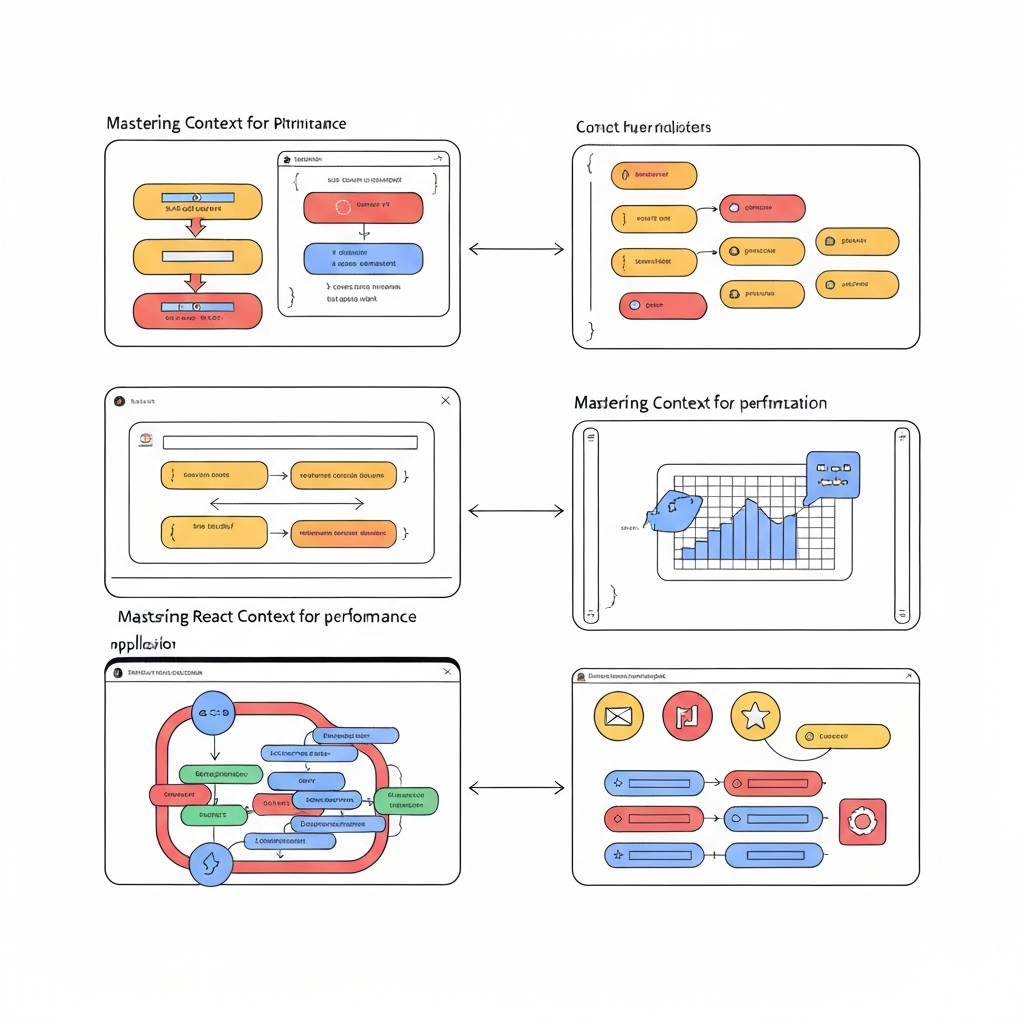
2. Techniques for Optimizing React Context
Several techniques can be employed to optimize React Context usage and minimize unnecessary re-renders. Each technique addresses a different aspect of the problem, and the best approach often involves a combination of these strategies.
- Value Separation: Instead of storing all related state within a single context value, break it down into multiple, smaller context values. This minimizes the scope of re-renders when only specific parts of the state change. For instance, separate the user authentication status from user profile data within different contexts. This prevents components that only rely on authentication status from re-rendering when the profile data is updated.
- Memoization with `useMemo` and `useCallback`: Wrap complex or expensive context values with `useMemo` to ensure that the value only changes when its dependencies change. Similarly, wrap functions provided by the context with `useCallback` to prevent them from being re-created on every render. These techniques help to ensure that consumers of the context only re-render when the relevant values actually change. For example, use `useCallback` to memoize event handler functions passed down via context, preventing unnecessary re-renders of child components.
- `React.memo` for Context Consumers: Wrap context consumer components with `React.memo` to prevent them from re-rendering if their props haven't changed. This is particularly effective when combined with value separation and memoized context values. By using `React.memo`, you instruct React to skip re-rendering a component if the props passed to it are the same as the last time it was rendered. This can significantly reduce the number of unnecessary re-renders in your application, especially for components that consume context values indirectly through prop drilling.
3. Practical Examples and Code Snippets
Pro Tip: Profile your application using React DevTools before and after implementing context optimizations to measure the actual performance gains. Quantifiable data is your best guide!
Let's illustrate these techniques with concrete examples. Consider a scenario where you have a global theme context. Instead of storing the entire theme object (colors, fonts, etc.) in a single context, you can separate it into individual contexts for color and typography. This way, components that only use the color scheme won't re-render when the typography changes.
Here's an example of using `useMemo` to optimize a context value: `const themeValue = useMemo(() => ({ primaryColor: '#007bff', secondaryColor: '#6c757d' }), []);`. If you were to create a new object on every render, even with the same values, React would consider it a new value and trigger re-renders. `useMemo` ensures that the `themeValue` object is only recreated when the dependencies array changes (which is empty in this case, meaning it's only created once). This approach is vital for complex objects or calculations.
Furthermore, consider optimizing a component that consumes the theme context with `React.memo`: `const ThemedButton = React.memo(props => { /* Button implementation using theme context */ });`. This will prevent `ThemedButton` from re-rendering unless its props change. Combining this with value separation ensures that `ThemedButton` only re-renders when the specific theme properties it uses are modified. By systematically applying these techniques, you can significantly reduce the number of unnecessary re-renders and improve the overall performance of your React application. This careful approach ensures a smoother and more efficient user experience.
결론
Optimizing React Context is crucial for building performant and scalable applications. By understanding the re-render problem and employing techniques like value separation, memoization, and `React.memo`, you can significantly reduce unnecessary re-renders and improve the overall user experience. Remember to profile your application and measure the impact of your optimizations to ensure they are delivering the desired results. Focusing on granular optimizations provides the most efficient React component structure.
The future of React Context optimization might involve more advanced techniques like selective context updates or integration with state management libraries. As React evolves, new tools and patterns will emerge to further enhance the performance of context-based state management. Staying informed about these advancements will allow you to build increasingly efficient and maintainable React applications. This involves staying updated with the React community and keeping track of new approaches in state management and optimization techniques. Embrace new opportunities!
❓ 자주 묻는 질문 (FAQ)
Why is React Context causing performance issues in my application?
React Context, while powerful, can lead to performance issues if not used judiciously. The primary cause is that any change to a context value triggers a re-render of all components that consume that context, regardless of whether they actually use the specific changed value. This can result in a cascade of unnecessary re-renders, especially in larger applications with deeply nested component trees. To mitigate this, consider techniques like value separation, memoization, and using `React.memo` to prevent re-renders when props haven't changed, ensuring a more efficient rendering process.
How can I effectively separate context values to improve performance?
Separating context values involves breaking down a single, large context into multiple, smaller contexts, each responsible for a specific piece of state. This reduces the scope of re-renders when a particular part of the state changes. For example, instead of having a single "user" context containing authentication status, profile data, and settings, you could have separate contexts for "AuthStatus," "UserProfile," and "UserSettings." This prevents components that only depend on the authentication status from re-rendering when the profile data or user settings are updated, resulting in significant performance gains.
When should I consider using a more advanced state management solution instead of React Context?
While React Context is suitable for managing simple, global state, more complex applications might benefit from using a more advanced state management solution like Redux or Zustand. If your application has a large and intricate state, frequent state updates from various parts of the application, or complex data dependencies, these libraries often provide better performance and scalability. They offer more control over state updates, optimized re-rendering strategies, and advanced debugging tools. Consider the complexity of your application and choose the solution that best meets your specific needs.
Tags: #ReactJS #ContextAPI #Optimization #JavaScript #Frontend #WebDev #Performance