📖 5 min read
In today's interconnected world, firewalls are not just optional security measures, they are essential components of any robust network infrastructure. They act as a critical barrier between your internal network and the outside world, meticulously examining incoming and outgoing network traffic. Understanding how to properly configure a firewall is crucial for safeguarding sensitive data, preventing unauthorized access, and maintaining the overall integrity of your systems. A misconfigured firewall can be as detrimental as having no firewall at all, leaving your network vulnerable to a myriad of cyber threats. This comprehensive guide provides a detailed explanation of firewall configuration with practical examples, ensuring you can effectively protect your network assets.
1. Understanding Firewall Basics
At its core, a firewall operates by inspecting network traffic against a predefined set of rules. These rules dictate which traffic is allowed to pass through the firewall (allowed), and which traffic is blocked (denied). Firewalls can operate at various layers of the OSI model, with different types of firewalls offering varying levels of security and functionality. Packet filtering firewalls, for example, examine individual packets based on source and destination IP addresses, ports, and protocols, whereas stateful inspection firewalls keep track of the state of network connections to make more informed decisions.
Consider a simple scenario where you want to allow web traffic (port 80 and 443) to your web server while blocking all other incoming traffic. You would configure your firewall to allow incoming TCP connections on ports 80 and 443, and then set a default rule to deny all other incoming connections. This ensures that only legitimate web traffic can reach your server, preventing unauthorized access through other ports. The effectiveness of a firewall hinges on the accuracy and comprehensiveness of its rule set; a poorly designed rule set can lead to both security vulnerabilities and performance bottlenecks.
The practical implications of a well-configured firewall are significant. It prevents unauthorized access to sensitive data, protects against malware and other cyber threats, and helps maintain the stability and performance of your network. By carefully defining rules that allow only necessary traffic and blocking all other traffic, you can significantly reduce your attack surface and minimize the risk of a security breach. Regular review and updates to the firewall configuration are essential to adapt to evolving threats and ensure continued protection.
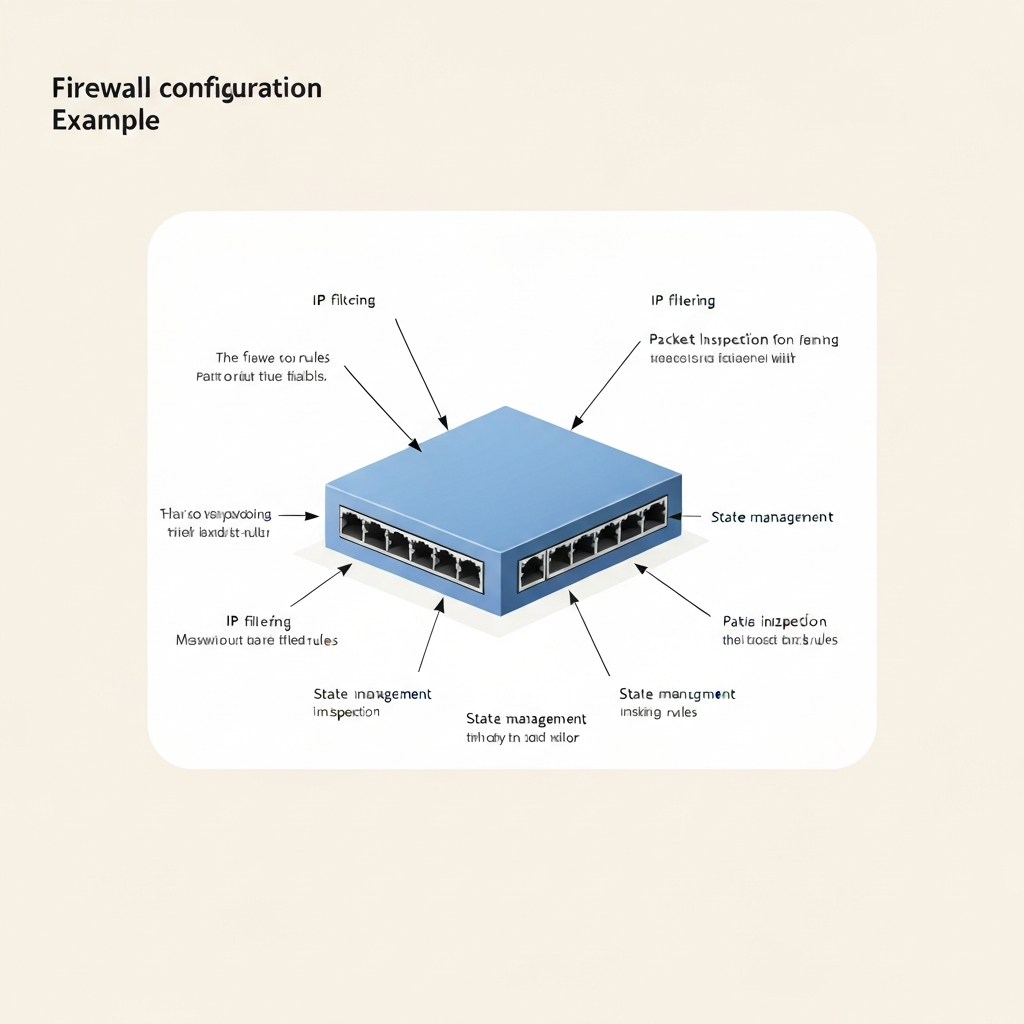
2. Firewall Configuration Example: A Step-by-Step Guide
Let's walk through a specific example of configuring a firewall to protect a small business network. We'll focus on a common scenario: allowing internal users to access the internet while blocking unauthorized external access to internal resources. Here's a breakdown of the key steps involved:
- Step 1: Define the Network Topology: Before configuring the firewall, it's essential to understand your network topology. This includes identifying the internal network address range (e.g., 192.168.1.0/24), the external IP address assigned by your ISP, and the location of critical servers and resources. Knowing your network layout allows you to create precise and effective firewall rules. Without a clear understanding of the network, it’s difficult to create appropriate rules that protect the system without disrupting necessary functionality.
- Step 2: Configure Default Policies: The default policy determines what happens to traffic that doesn't match any specific rule. It's generally recommended to set the default policy to "deny all" for both incoming and outgoing traffic. This approach, also known as a “whitelist” approach, ensures that only explicitly allowed traffic is permitted, providing a strong baseline level of security. Starting with a restrictive policy minimizes the risk of unintended access and ensures that you are consciously opening up specific ports and protocols as needed.
- Step 3: Create Allow Rules for Outgoing Traffic: To allow internal users to access the internet, you'll need to create rules that permit outgoing traffic. For web browsing, you'll need to allow TCP traffic on ports 80 (HTTP) and 443 (HTTPS) to any destination. Additionally, you might need to allow DNS traffic (UDP port 53) to your DNS server. It is important to restrict the source IP address range to your internal network to prevent unauthorized devices from using these rules. Furthermore, monitoring outgoing traffic is vital in order to detect potential anomalies.
3. Advanced Firewall Configuration Techniques
Pro Tip: Regularly audit your firewall rules to ensure they are still relevant and necessary. Remove any obsolete rules to simplify your configuration and reduce the risk of misconfiguration.
Beyond basic configuration, several advanced techniques can enhance your firewall's effectiveness. These techniques often involve leveraging more sophisticated features and functionalities offered by modern firewalls. Intrusion Detection and Prevention Systems (IDS/IPS), for example, can analyze network traffic for malicious patterns and automatically block or quarantine suspicious activity. These systems rely on signature databases and behavioral analysis to identify and mitigate threats in real-time.
Another important technique is implementing VPN (Virtual Private Network) access for remote users. VPNs create an encrypted tunnel between the remote user's device and your network, ensuring that all traffic is protected from eavesdropping and tampering. Firewalls can be configured to authenticate VPN users and grant them access to specific internal resources, providing secure remote access. This helps to protect resources while allowing legitimate users access to the network when not on-site.
Furthermore, consider utilizing application-layer filtering to control traffic based on the specific applications being used. This allows you to block or restrict access to certain applications that may pose a security risk or consume excessive bandwidth. Application-layer filtering provides a more granular level of control compared to simply blocking ports, as it can analyze the actual content of the traffic. Using such techniques allows for greater control over the traffic entering and exiting your system.
Conclusion
Configuring a firewall is a critical step in securing your network infrastructure. A well-configured firewall acts as a strong line of defense against unauthorized access, malware, and other cyber threats. By understanding the fundamentals of firewall operation, following best practices for rule creation, and leveraging advanced techniques, you can significantly reduce your network's attack surface and protect your valuable data. Regular maintenance and updates are equally crucial to ensure the firewall remains effective against evolving threats.
The threat landscape is constantly evolving, and firewalls must adapt to keep pace. Future firewalls will likely incorporate more AI-powered features for automated threat detection and response. Staying informed about the latest security trends and technologies is essential for maintaining a robust and resilient network security posture. With that in mind, consider the advice above to keep your systems protected.
❓ Frequently Asked Questions (FAQ)
What is the difference between a hardware firewall and a software firewall?
A hardware firewall is a physical device that sits between your network and the internet, providing a dedicated layer of security. It typically offers higher performance and security compared to software firewalls. A software firewall, on the other hand, is a program installed on a computer or server that protects that specific device. While software firewalls are useful for individual devices, they don't offer the same level of protection for an entire network as a hardware firewall. Thus, choosing the right solution depends upon whether you are trying to secure an individual computer or an entire network of devices.
How often should I review and update my firewall rules?
It's recommended to review and update your firewall rules at least quarterly, or more frequently if your network environment changes significantly. This includes adding or removing servers, changing network configurations, or deploying new applications. Regular reviews help ensure that your rules are still relevant and necessary, and that any obsolete or misconfigured rules are identified and corrected. Furthermore, as the cybersecurity landscape changes, it is important to ensure your firewall rules keep up to date with new threats.
What are some common mistakes to avoid when configuring a firewall?
One common mistake is failing to change the default password for the firewall's administrative interface, leaving it vulnerable to unauthorized access. Another mistake is creating overly permissive rules that allow too much traffic, increasing the attack surface. Additionally, neglecting to regularly update the firewall's firmware and security signatures can leave it vulnerable to known exploits. Always remember to document any changes made to the firewall configuration to facilitate troubleshooting and auditing.
Tags: #Firewall #Configuration #NetworkSecurity #Cybersecurity #SecurityTips #DataProtection #InformationSecurity