📖 5 min read
In an era defined by rampant data breaches and increasingly sophisticated cyber threats, securing your sensitive information is more critical than ever. External hard drives, while offering convenient portability and ample storage, present a significant security risk if left unprotected. These devices often contain personal documents, financial records, confidential business files, and irreplaceable memories, making them prime targets for malicious actors. This guide delves into the world of external hard drive encryption, providing you with the knowledge and tools necessary to safeguard your valuable data. We will explore various encryption methods, discuss best practices for implementation, and address key considerations to ensure your external hard drive remains a secure repository for your digital assets.
1. Understanding the Importance of Encryption
Encryption is the process of converting readable data into an unreadable format, known as ciphertext. This scrambled data can only be deciphered back into its original form using a specific encryption key. In essence, encryption acts as a digital lock, preventing unauthorized access to your data even if the hard drive is lost, stolen, or compromised. Without the correct key, the data remains unintelligible, rendering it useless to potential intruders. Encryption is not merely a preventative measure; it's a fundamental security practice that protects your privacy and mitigates the risks associated with data breaches.
Consider a scenario where you're a freelance consultant storing client data on an external hard drive. Without encryption, a lost or stolen drive exposes sensitive client information, potentially leading to legal ramifications and damage to your professional reputation. Or, imagine a small business owner who backs up financial records onto an external drive. If this drive falls into the wrong hands without encryption, the business could suffer significant financial losses and face regulatory penalties. These examples highlight the real-world consequences of neglecting data encryption.
The benefits of encryption extend beyond simply preventing data breaches. It also provides a layer of legal protection, as many regulations mandate data encryption for certain types of information. Additionally, encryption demonstrates a commitment to data security, which can enhance trust and confidence among clients, partners, and stakeholders. Implementing encryption is therefore a proactive step towards safeguarding your data, complying with regulations, and maintaining a strong security posture.
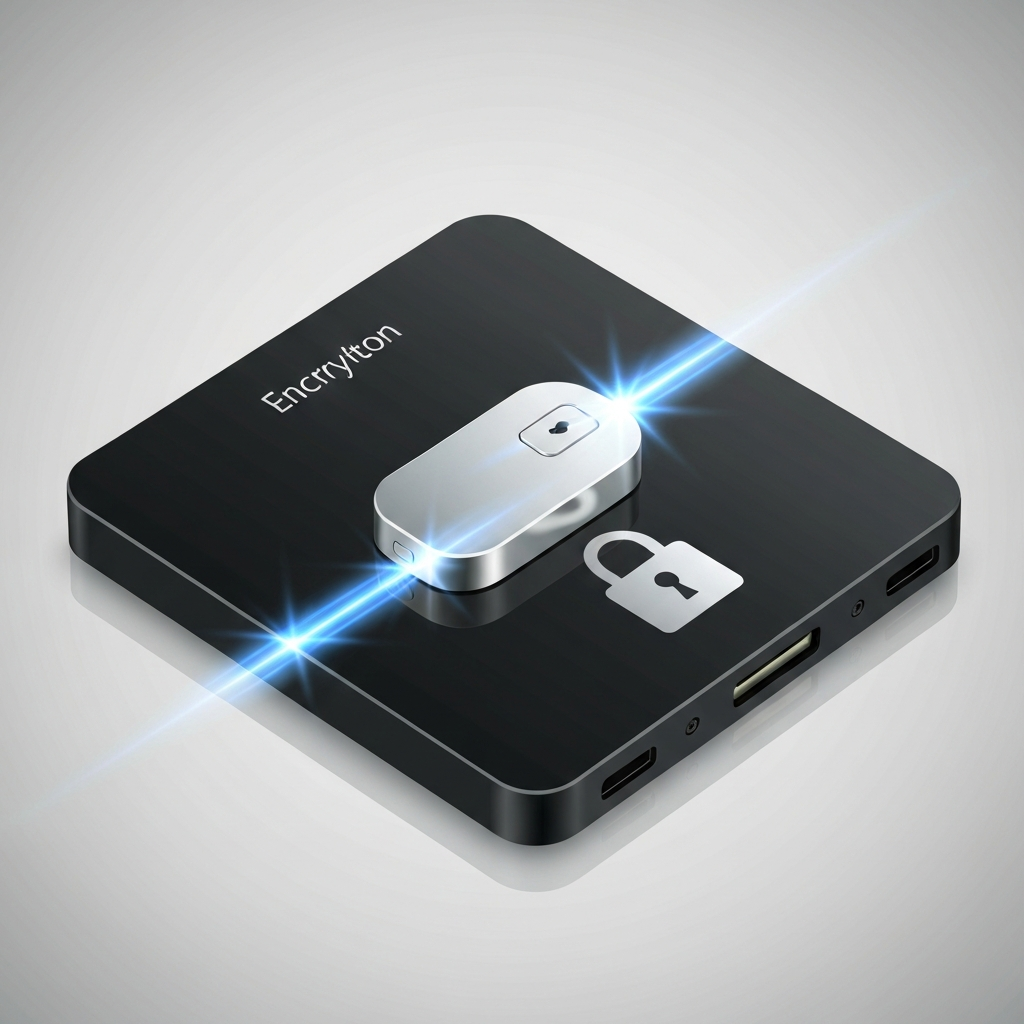
2. Encryption Methods and Tools
Several encryption methods and tools are available for securing external hard drives, each offering varying levels of security and ease of use. Selecting the right method depends on your specific needs, technical expertise, and the sensitivity of the data you're protecting. Here are some of the most popular and effective encryption options:
- BitLocker (Windows): BitLocker is a full-disk encryption feature built into Windows operating systems. It provides robust protection by encrypting the entire drive, including the operating system and system files. BitLocker is relatively easy to set up and use, particularly for users already familiar with the Windows environment. It utilizes strong encryption algorithms and offers multiple authentication options, including passwords, PINs, and smart cards. However, BitLocker is primarily designed for Windows systems and may not be directly compatible with other operating systems like macOS or Linux without additional tools.
- FileVault (macOS): FileVault is macOS's native full-disk encryption solution, similar to BitLocker. It encrypts the entire startup disk, preventing unauthorized access to the data stored on it. FileVault is known for its seamless integration with the macOS ecosystem, making it user-friendly and convenient to enable. It also offers strong encryption algorithms and supports iCloud integration for password recovery, providing an added layer of security and convenience. Like BitLocker, FileVault is primarily designed for macOS and may not be directly compatible with Windows or Linux systems.
- VeraCrypt: VeraCrypt is a free and open-source disk encryption software that works on Windows, macOS, and Linux. It is a powerful and versatile tool that offers a wide range of encryption options, including full-disk encryption, container files, and hidden volumes. VeraCrypt is highly customizable and allows users to choose from various encryption algorithms and key sizes, providing a high degree of control over the encryption process. While VeraCrypt offers greater flexibility, it may require more technical expertise to configure and manage compared to BitLocker or FileVault.
3. Best Practices for External Hard Drive Encryption
Pro Tip: Always back up your encryption key or recovery key in a safe place. Losing your key means losing access to your data permanently.
Encrypting your external hard drive is only the first step. To ensure robust data protection, it's crucial to adhere to best practices for encryption implementation and management. These practices will help you maximize the effectiveness of your encryption efforts and minimize the risk of data loss or unauthorized access. Ignoring these best practices can create vulnerabilities that undermine the security of your encrypted drive.
One critical practice is to choose a strong password or passphrase for your encryption key. Avoid using easily guessable passwords like birthdays, names, or common words. Instead, opt for a complex passphrase that combines uppercase and lowercase letters, numbers, and symbols. Regularly update your password and never share it with anyone. Additionally, always back up your encryption key or recovery key in a secure location, such as a password manager or a separate encrypted drive. Losing your encryption key means losing access to your data permanently, so it's essential to have a backup plan in place.
Another essential best practice is to regularly update your encryption software. Software updates often include security patches that address vulnerabilities and improve the overall security of the encryption process. Failing to update your software can leave your drive exposed to known exploits. Finally, be mindful of where you store your encrypted external hard drive. Avoid leaving it in unsecured locations where it could be easily stolen or accessed by unauthorized individuals. Store it in a secure, locked environment when not in use.
Conclusion
Encrypting your external hard drives is an indispensable step in protecting your sensitive data in today's increasingly digital world. By understanding the importance of encryption, selecting the appropriate methods and tools, and adhering to best practices, you can create a secure environment for your valuable information. Neglecting encryption leaves your data vulnerable to unauthorized access, data breaches, and potential legal and financial consequences. Therefore, taking proactive steps to encrypt your external hard drives is a wise investment in your data security and peace of mind.
As technology evolves, so too will the threats to data security. Staying informed about emerging encryption technologies and adapting your security practices accordingly is crucial for maintaining a robust security posture. Embrace encryption as a fundamental component of your overall data security strategy and prioritize the protection of your sensitive information. By doing so, you can confidently navigate the digital landscape, knowing that your data is safe and secure.
❓ Frequently Asked Questions (FAQ)
What happens if I forget my encryption password?
If you forget your encryption password and do not have a recovery key, you will permanently lose access to the data stored on the encrypted external hard drive. Encryption is designed to make data inaccessible without the correct key, and there's no way to bypass this security feature. This is why it's absolutely critical to create a backup of your recovery key and store it in a secure location, separate from the encrypted drive itself, such as a password manager or another encrypted storage device. Without the recovery key, the data is effectively lost forever.
Does encrypting an external hard drive slow it down?
Yes, encrypting an external hard drive can introduce a slight performance overhead, which may result in slower read and write speeds. The degree of slowdown depends on several factors, including the encryption algorithm used, the processing power of your computer, and the speed of the external hard drive itself. Modern encryption algorithms are highly optimized, and on most modern computers, the performance impact is often negligible for everyday use. However, if you're working with large files or performing intensive operations, you might notice a slight decrease in speed. Choosing a faster external hard drive, such as a solid-state drive (SSD), can help mitigate the performance impact of encryption.
Can encryption prevent physical damage to my external hard drive?
No, encryption does not protect your external hard drive from physical damage. Encryption is a software-based security measure that protects the data stored on the drive from unauthorized access. It does not provide any physical protection against drops, impacts, water damage, or other forms of physical harm. To protect your external hard drive from physical damage, it's essential to handle it with care, store it in a protective case, and avoid exposing it to extreme temperatures or humidity. Consider using a ruggedized external hard drive designed to withstand harsh environmental conditions if you frequently transport your drive.
Tags: #Encryption #DataSecurity #ExternalHardDrive #Cybersecurity #Privacy #DataProtection #TechTips